Top Mobile Apps to Keep Your Kids Are Safe and Connected
Most parents don’t realize how quickly kids find workarounds to parental controls, and by the time they catch on, their child has already migrated to three new apps. That’s exactly why finding the top mobile apps to keep your kids safe has gotten so much harder than it used to be. The challenge isn’t just blocking bad content anymore. It’s keeping up with shifting platforms, respecting age-appropriate privacy, and not destroying your kid’s trust in the process. After reviewing dozens of apps across features, pricing, customer reviews, and real-world reliability, this guide breaks down the five best options worth your attention.
The research approach for this ranking started by pulling data from official product websites, app store reviews, and third-party rating platforms. Only apps with a documented history in the parental monitoring space were considered. Options with thin review records or unverifiable claims were filtered out early.-> See the full research breakdown
- iSharing – Best for family location sharing and parental monitoring
- FamiSafe – Best for family device monitoring and parental control
- Scannero – Best for device location tracking without software installation
- Zood Location – Best for privacy-focused family location sharing
- Microsoft Family Safety – Best for Windows and Microsoft ecosystem users seeking free parental controls
Why Top Mobile Apps To Keep Your Kids Safe Should Matter as a Parent
Picking the wrong app doesn’t just waste money. It leaves real gaps in your child’s protection at exactly the wrong moments.
Kids today move fast across platforms, and apps that can’t keep up become almost useless within months of download. The best parental control apps stay current, covering the platforms kids actually use, not just the ones they used two years ago.
There’s also the trust factor. Heavy-handed monitoring can damage your relationship with your child, so the right app finds that balance between safety and age-appropriate independence.
The apps that consistently deliver results show it through meaningful numbers: high rates of harmful content successfully blocked, measurable daily screen-time reductions, and reliable location check-in accuracy with fast alert notifications. Those aren’t nice-to-haves. They’re the baseline for any app worth paying for.
Top 5 Mobile Apps To Keep Your Kids Safe: Breakdown and Comparison
Note: All data in this table is sourced from review platforms and the official websites of the listed companies.
| Company Name | Best For | Headquartered In | Price |
| iSharing | Family location sharing and parental monitoring | Irvine, CA | Free to download |
| FamiSafe | Family device monitoring and parental control | Vancouver and Shenzhen | $59.99/year |
| Scannero | Device location tracking without software installation | Geri, Cyprus | $0.89 trial / $49.80/month |
| Zood Location | Privacy-focused family location sharing | Coventry, UK | Free with optional premium |
| Microsoft Family Safety | Windows and Microsoft ecosystem parental controls | N/A | Free |
1. iSharing – Best for Family Location Sharing and Parental Monitoring
What Does iSharing Do?
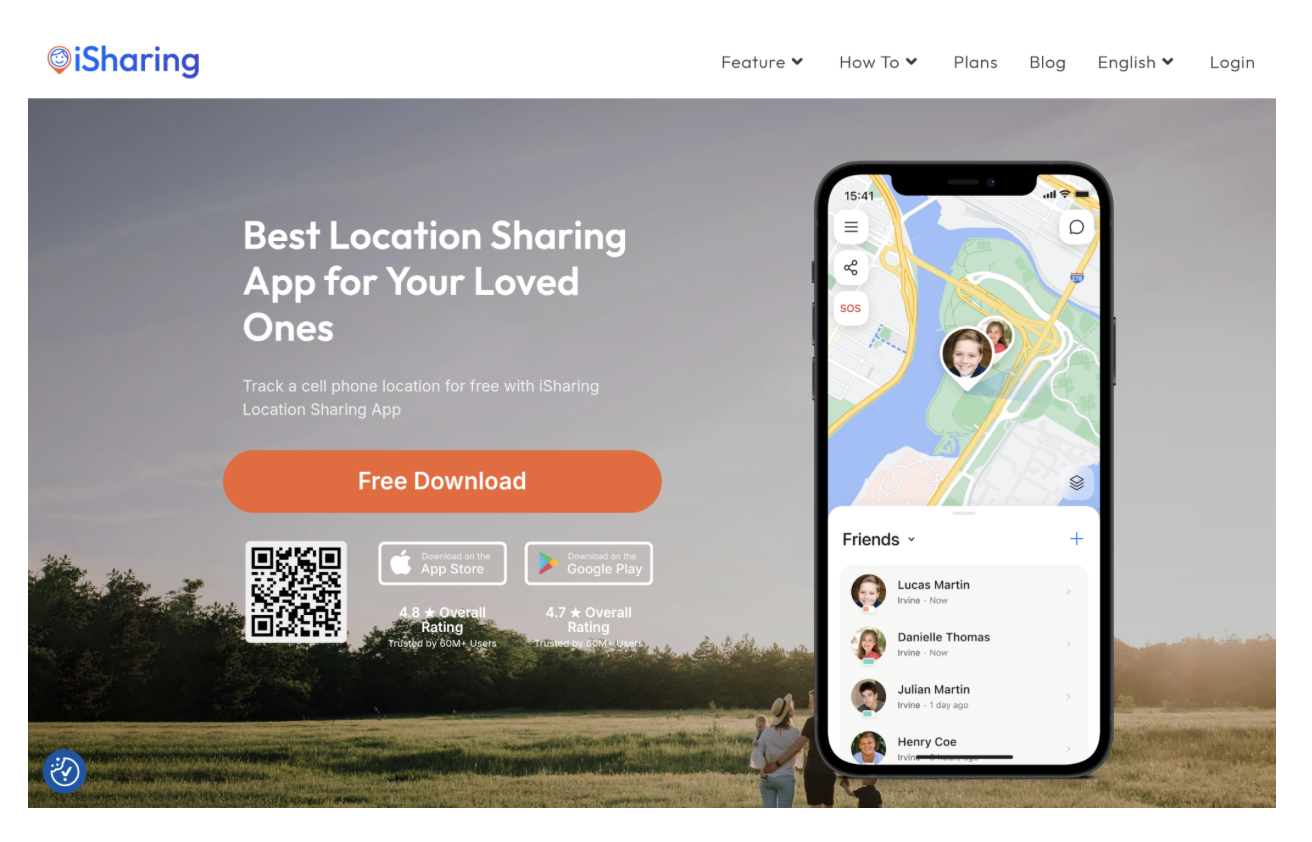
iSharing is a real-time GPS app built around family safety, and it shows in every feature they’ve shipped. They offer live location sharing, place alerts, driving reports, panic alerts, and inactivity notifications, covering just about everything a parent needs to stay connected with their kids throughout the day. If you’re looking for a solid location tracking app for free, iSharing delivers that at scale, with over 50 million downloads and a 4.60 rating from more than 224,000 reviews backing up the claim. That kind of reach doesn’t happen by accident.
Why iSharing Stands Out for Top Mobile Apps to Keep Your Kids Safe:
iSharing directly solves the problem of not knowing where your child is in real time, with alerts that go off the moment something changes. The combination of SOS functionality, driving behavior reports, and location history gives parents a genuinely useful picture of their child’s day, not just a dot on a map.
Summary of Real User Reviews:
From the reviews, users consistently call out the real-time GPS accuracy and how easy the app is to set up and use. Pricing comes up often, too, with many reviewers noting it punches well above its price point. Honestly, a 4.60 rating across more than 224,000 reviews is the kind of consistency that’s hard to fake.
2 .FamiSafe – Best for Family Device Monitoring and Parental Control

What Does FamiSafe Do?
FamiSafe is built by Wondershare and goes deep on device-level monitoring, covering content filtering, screen time management, browsing history, call and message monitoring, live screen capture, and real-time location tracking. What sets them apart is the breadth: their platform detects activity across 30-plus social media apps, which matters because that’s exactly where kids spend most of their online time. Supporting up to 30 devices at $59.99 annually (not cheap per device, but genuinely affordable for big families) makes them one of the strongest multi-device options in this space.
Why FamiSafe Stands Out for Top Mobile Apps To Keep Your Kids Safe:
FamiSafe targets the specific gap that location-only apps leave: everything happening on the device itself, from the apps kids open to the conversations they have. Their detection layer adds a level of content awareness that reactive filtering simply can’t match.
Summary of Real User Reviews:
FamiSafe’s reputation within the parenting community is well-earned. The app has picked up multiple industry awards, including the National Parenting Product Awards and Mom’s Choice Awards, and the adoption numbers, 35 million families globally, reflect real trust. From what the data shows, parents value the depth of monitoring features most, particularly the social media detection.
3. Scannero – Best for Device Location Tracking Without Software Installation
What Does Scannero Do?
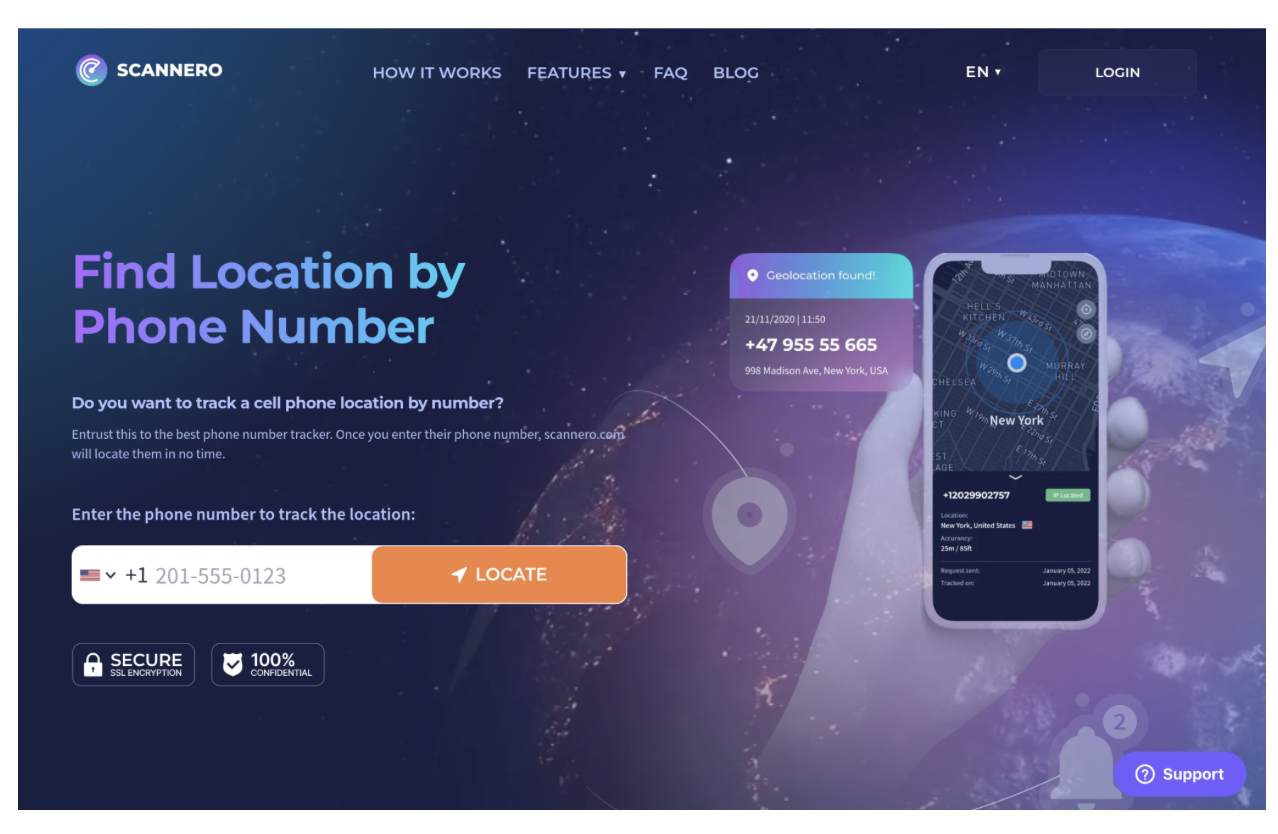
Scannero takes a different approach from most tracking apps: it locates a device using only a phone number, with no app installation required on the target device. The concept is straightforward enough that it appeals to parents who want location data without the setup friction. They offer a 24-hour trial for $0.89 and a monthly plan at $49.80. The no-install angle is genuinely useful in specific situations, and that’s the main reason it makes this list.
Why Scannero Stands Out for Top Mobile Apps To Keep Your Kids Safe:
Scannero solves a specific problem: getting a location when you can’t or don’t want to install software on your child’s phone. That no-install approach is a real differentiator in a crowded field of app-dependent trackers.
Summary of Real User Reviews:
Here’s where things get honest. Scannero carries a 2.2 out of 5 rating on Trustpilot across 574 reviews, which is a signal worth taking seriously before committing any money. The mixed feedback suggests the service works inconsistently for many users. From what the reviews show, the concept is sound, but real-world performance hasn’t consistently matched the promise (and that gap matters quite a bit when child safety is on the line).
4. Zood Location – Best for Privacy-Focused Family Location Sharing
What Does Zood Location Do?
Zood Location is built around one principle: your location data should never leave your phone unencrypted, and even the company itself shouldn’t be able to see it. They use end-to-end encryption, meaning data is secured before it ever transmits, and they operate on an open-source model under the AGPL-3.0 license. Parents can customize exactly who sees what, request location data from family members, and control sharing on their own terms. The app is free with optional premium tiers, and their stated policy is that they don’t sell user data at all.
Why Zood Location Stands Out for Top Mobile Apps To Keep Your Kids Safe:
Zood fills a real gap for parents who want location monitoring without worrying about where their family’s data actually ends up. In a space where data privacy concerns are legitimate, their open-source transparency is the kind of credibility that’s rare and hard to match.
Summary of Real User Reviews:
Publicly available review data for Zood is limited, which makes independent verification tricky. What the available information does show is a product philosophy that appeals to privacy-conscious users. The open-source approach and no-data-selling policy appear to build genuine trust among those who find the app, even if the overall user base is still growing.
Microsoft Family Safety – Best for Windows and Microsoft Ecosystem Users
What Does Microsoft Family Safety Do?
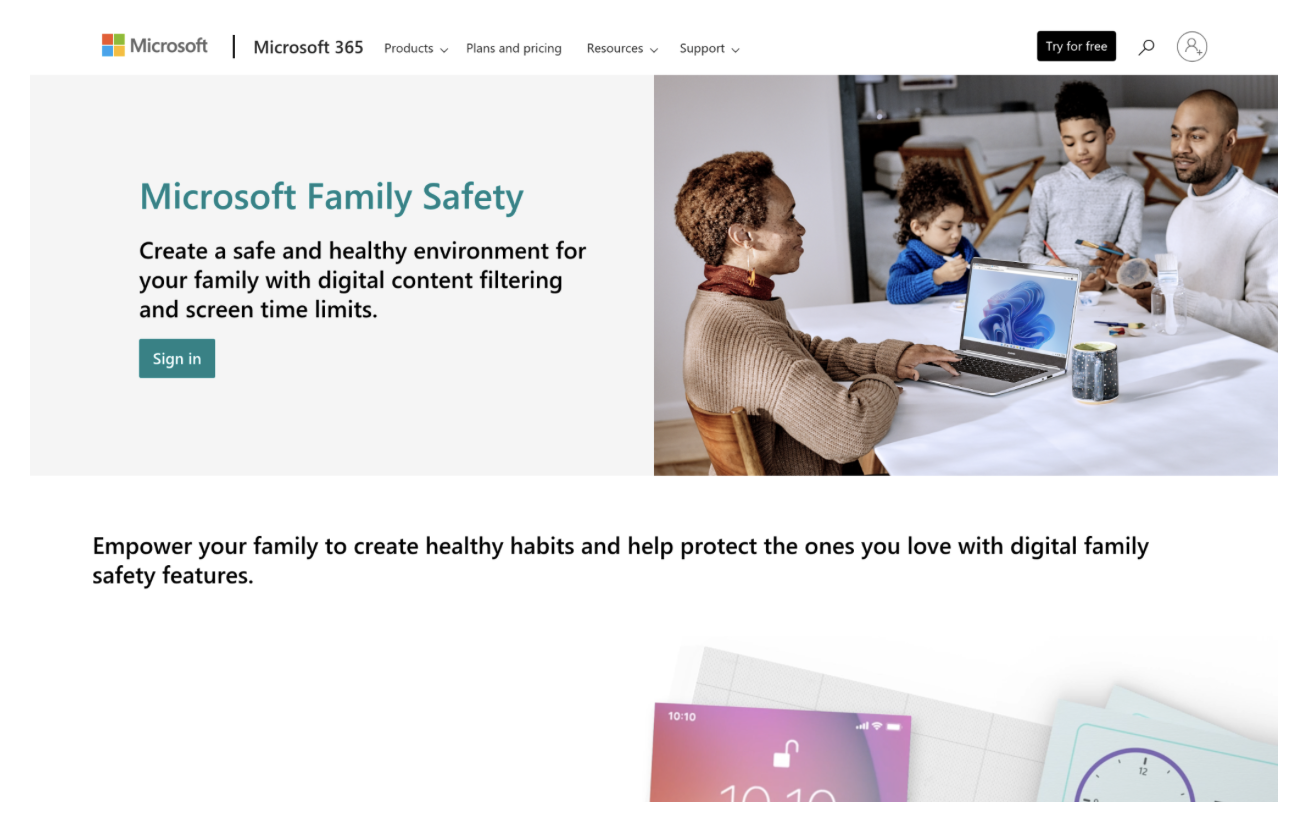
Microsoft Family Safety runs across Windows, Xbox, Android, and Apple devices, making it one of the broadest platform footprints on this list. They offer content filtering, web browsing controls, app and device time limits, location sharing, and Drive Safety monitoring for teen drivers. The deeper connection with Windows 11 means filtering happens at the system level through Microsoft Edge and the Microsoft Store, not just at the app layer. It’s free as a standalone service and included in Microsoft 365 Family plans, which makes getting started nearly effortless for families already in that ecosystem.
Why Microsoft Family Safety Stands Out for Top Mobile Apps To Keep Your Kids Safe:
Microsoft Family Safety addresses the monitoring challenge from the operating system level, which means kids can’t simply delete an app to get around the controls. That system-level approach to filtering is genuinely different from most standalone parental control apps, and it’s what makes this tool particularly strong for households running Windows devices.
Summary of Real User Reviews:
Independent review volume for Microsoft Family Safety is spread across multiple platforms, and the general sentiment reflects that it works well within the Microsoft ecosystem but shows limits outside of it. From what the data shows, families who already use Microsoft 365 get the most out of the service, while those in mixed-device households may find the cross-platform experience less consistent.
Research Methodology and Selection Process
Initial Data Collection
The process began by casting a wide net across app stores, parenting forums, dedicated review platforms, and the official product websites of major parental control apps. The goal at this stage was building a longlist without filtering too aggressively, pulling in any app with meaningful documentation of its features, user base, or track record in family safety monitoring.
Shortlisting Phase
From that initial pool, options were narrowed down based on review volume, consistency of customer feedback, and the specificity of parental control features offered. Apps with very few reviews, recent launches with no real-world track record, or unclear pricing structures were removed. Review patterns were analyzed for recurring themes, both positive and negative, rather than relying on headline ratings alone.
Verification of Claims
Every feature claim made on official product websites was cross-referenced against actual user reviews and third-party testing where available. When a company claimed to block content across dozens of platforms or deliver real-time GPS accuracy, those claims were checked against what reviewers reported from their own experience. Gaps between marketing copy and what users actually encountered factored into the final assessment.
Authority and Industry Contribution Layer
Apps that had earned recognition from credible parenting organizations, appeared in mainstream parenting publications, or had a documented award history received additional weight during evaluation. The rationale is straightforward: third-party validation from organizations focused on child safety carries more meaning than self-reported claims. FamiSafe’s National Parenting Product Awards recognition and iSharing’s 50 million download achievement both served as meaningful signals in this layer.
Top Mobile Apps To Keep Your Kids Safe: Specific Evidence
The final filter looked at each app’s demonstrated focus on child safety outcomes. This meant examining dedicated feature pages around content filtering, screen time management, location monitoring, and alert systems. Apps that treated parental control as a supplementary use case rather than a main one were ranked lower. Only apps with clear, verifiable evidence of child safety as a central product focus made the final list.
How to Choose the Right Top Mobile Apps To Keep Your Kids Safe and Connected
Start by mapping out what your family actually needs before comparing features. A tracking-only app is a very different product from one that monitors screen time, blocks content, and sends SOS alerts. Once you know what problem you’re trying to solve, the decision gets much easier.
- Industry and Domain Experience: Look for apps that have been operating in the parental control space for several years. Longevity usually means they’ve had time to close the gaps kids find.
- Features and Service Offerings: Match features to your specific situation. A teen driver needs driving reports. A younger child needs strong content filtering. Don’t pay for a 30-device plan if you’re managing one phone.
- Pricing Structure: Free apps can be genuinely good (iSharing and Microsoft Family Safety prove that), but premium tiers often open up the features that matter most. Factor in per-device costs if you have multiple children.
- Results Measurement: Look for apps that give parents clear feedback, location history logs, screen time summaries, and content blocking reports. Visibility into what the app is actually doing is non-negotiable.
- Industry Knowledge and Compliance: Any app handling children’s data should follow COPPA, GDPR-K, and child safety regulations. Check the privacy policy before committing.
Bottom Line
Choosing among the top mobile apps to keep your kids safe comes down to knowing what kind of protection your family actually needs. Location monitoring, content filtering, and screen time management are different problems requiring different tools. iSharing leads on real-world trust and GPS reliability. FamiSafe wins on depth of device monitoring. The right pick depends on your household setup and your child’s age. This space keeps growing, and the apps that survive will be the ones that stay ahead of how kids actually use technology.