
Keeping kids safe online: Using parental controls
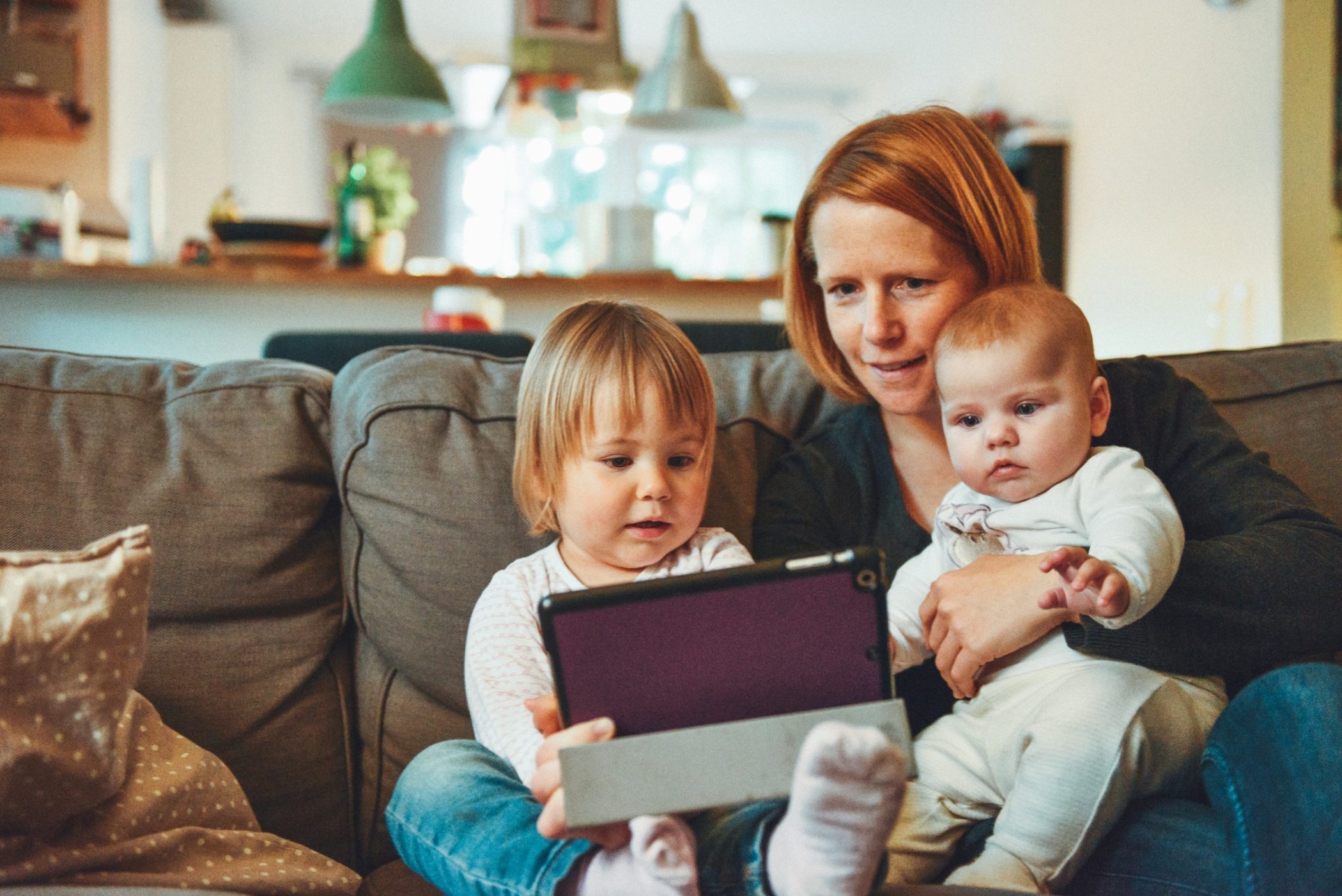 The internet can be a scary place. With stories in the media daily about how kids are being groomed, encouraged to self-harm and connecting with dangerous people, it’s almost tempting to block their access entirely.
However, this is rarely practical in today’s digital-heavy environment, so as parents we need to do what we can to keep our kids safe when they are online. Doing this effectively will come down to a combination of good parenting and tech; it’s the latter we’re going to look at today.
What are parental controls?
Parental controls are settings in your technology which put you in control of what your children can access online. Depending on the type of parental controls you have at your disposal, they can perform a number of useful functions, including:
* Blocking harmful website and apps
* Limiting the amount of time your child spends online
* Blocking access to specific sites or searches for certain keywords
Using parental controls effectively can stop your child from accidentally stumbling across harmful or inappropriate content. It makes sense, therefore, to get to know what solutions are available to you, and how to use them effectively.
Setting up ISP provided parental controls
All the big name broadband providers will have built in controls for you to use. While these are not failsafe, it’s a good place to start making your children’s internet access safer.
The exact process for setting up parental controls will vary from one provider to another, but largely it will follow the same basic format:
* Sign into your control panel: You may have an app on your smartphone to do this, otherwise do it using your web browser. You’ll need you username and password to do this.
* Find your parental control software: This varies from one provider to another. For example, TalkTalk call it HomeSafe, Virgin call it Web Safe, Plusnet call it SafeGuard and Sky call it Broadband Shield.
* Turn it on and set it up: Some providers offer automatic filtering based on age, so you can simply choose the age group of your child and allow it to do the rest for you. Others will ask you what categories of content you want to block, and some even let you block access between certain times only.
* Test it out: Try navigating to blocked content yourself to see if the filter is functioning. Some ISPs require a router reset in order to activate the change of settings, so check if this is needed to ensure it’s working properly.
Internet Matters is a website set up by ISPs to help parents keep their kids safe online. They’ve produced a number of step by step guides to setting up parental controls with each internet provider, so for further information, visit their website.
Using parental controls doesn’t mean you have to restrict your own internet use. You can usually bypass the filters with a password, or in some cases can even set the filters to be device specific.
All the big ISPs (Sky, BT, TalkTalk, Virgin) offer parental control software built in and free of charge. If your ISP does not offer free parental controls, compare offers on broadband deals from those who do, as it could save a lot of heartache in the long run.
Other types of parental controls
There are numerous other filters and controls available which can help to protect your children online. Search engines, mobile providers, gaming consoles, tablets and smartphones all have elements of parental controls built into them, so get to know what you can do with each of them.
The NSPCC, the UK’s national children’s charity, has lots of free advice on keeping children safe online. Their website contains information on how to set up parental controls on consoles, mobiles, search engines and more, as well as information on how to be safe away from home too.
Some activities cannot be protected by parental controls. Online gaming, for example, can leave your child open to chatting to just about anyone, so it’s important to ensure they are only enjoying age-appropriate activities online.
Social media is one of the biggest risks to children. Because it is populated by user generated content, it is very difficult for the operators of these platforms to effectively police what’s on there. Keep in mind that the minimum age for having a social media channel is 13, and any child under that age could be exposed to harmful content at any time.
Remember that parental controls are only part of the solution
As much as we can protect our children from inadvertently accessing unsuitable content using parental controls, no system is completely effective. A resourceful child will find ways around it, and sometimes there’s just no effective way to block access to things that could be harmful.
Much of the risks young people face online are due to their own behaviour. As such, it’s important to have an open and honest relationship with your child about how to stay safe online. They need to know they can turn to you in times of difficulty, and that issues such as cyberbullying and sexting are safe to talk about at home.
As much as I’d sometimes like to simply remove the internet, it’s a part of my children’s life. It’s as useful and entertaining as it is dark and dangerous, so denying them access entirely would be unfair of me. Instead, we’re working on openness
** This is a guest post **


